
School directory
Your schools, already researched.
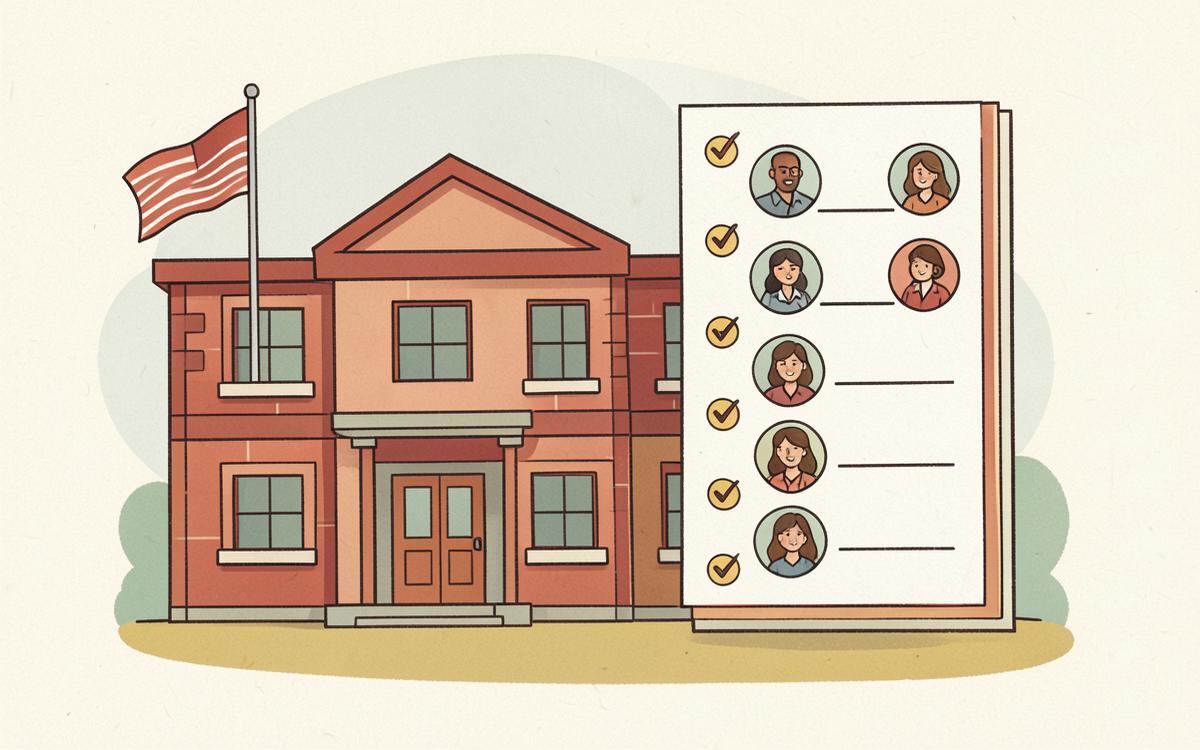
The family roster is your people. The school directory is where they come from: everyone the school publishes, gathered in one pass so you can pick out the handful that touch your kids. Nothing is added until you tick it, and you can re-run the scan whenever the school updates its pages.
West Side Elementary
- 62 staff found · 14 approved into your roster
- Email domain: maplegrove.k12.oh.us
- Calendar feed connected · syncs school events
- Directory shows confidence and where each name was found
You never typed any of that. The AI read the email and filled it in.
What you get
Deep scan at setup
Faculty, staff, contacts, academics, clubs, athletics and calendar pages are all crawled in one pass.
Review before anything is saved
Each person comes with a confidence score and the page it was found on. Approve in bulk or one at a time.
Duplicate protection
If a name or email already exists in your roster, Tangle Bell asks before adding a second copy.
School calendar feeds
Paste or auto-detect an iCal link and pull school events straight onto your family calendar.
One school or several — the directory is scanned the same way
Add each school's website and Tangle Bell researches staff, classes, clubs and calendars for every one of them.
Only approve staff and classes that apply to your family
A one-school household simply approves fewer rows. Nothing is added without your say-so.
How you use it
- 1
Add the school website during setup.
- 2
Review the scanned directory.
- 3
Approve the people and classes that touch your family.