Forward & sort
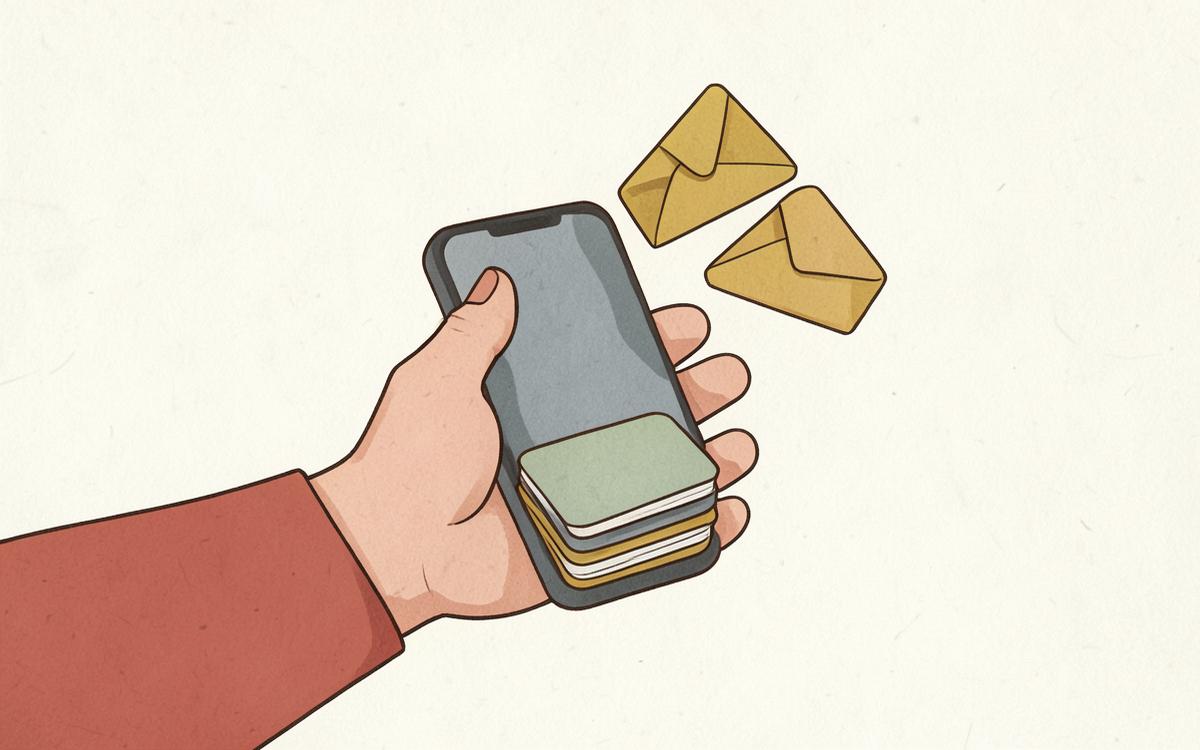
Forward the email. The AI does the rest.
You get one private forwarding address for your whole family — something like minahan@tanglebell.com. Save it to your phone contacts once, forward anything that looks school-ish, and stop thinking about it. Everything after that is automatic.
What one forwarded email becomes
- Kid: Sofia · School: Maple Grove Middle · Class: Gifted Resource
- Teacher: Mrs. Delgado · Type: Project Due
- Title: Invention project due Friday · Date: Aug 29
- Confidence: 88% · Added to Sofia's page and the family calendar
You never typed any of that. The AI read the email and filled it in.
What you get
AI reads it twice
One pass pulls out what is happening and when. A second pass matches it to your real kids, teachers and classes — so the date and the name both come from the email, not a guess.
Both parents can forward
If you and your partner forward the same message, Tangle Bell recognises it and keeps one clean item instead of two.
Nothing gets silently wrong
Anything the AI is unsure about goes to a short triage list with the reasoning shown, instead of quietly landing on your calendar.
Re-run any time
Added a teacher or class later? Hit Re-run classification on the email and it gets sorted again with the new information.
Works for one kid or a whole household
One child gets the same accurate sorting as five. The AI still matches the school, teacher, class and date automatically.
Single-school families get the same zero-sorting experience
You do not need multiple schools to benefit. Forward one email and see it filed with no folders, tags or manual sorting.
How you use it
- 1
Save your family forwarding address as a phone contact.
- 2
Forward (or auto-forward) school emails to it.
- 3
Open Tangle Bell and see them already sorted.