
Kid pages
Everything about one kid, on one page.
When your daughter asks about the field trip, you should not be scrolling an inbox. Open her page and it is all there — grouped by class and activity, newest first, with the original email one click away. Kids with their own login get the same view, but only for them.
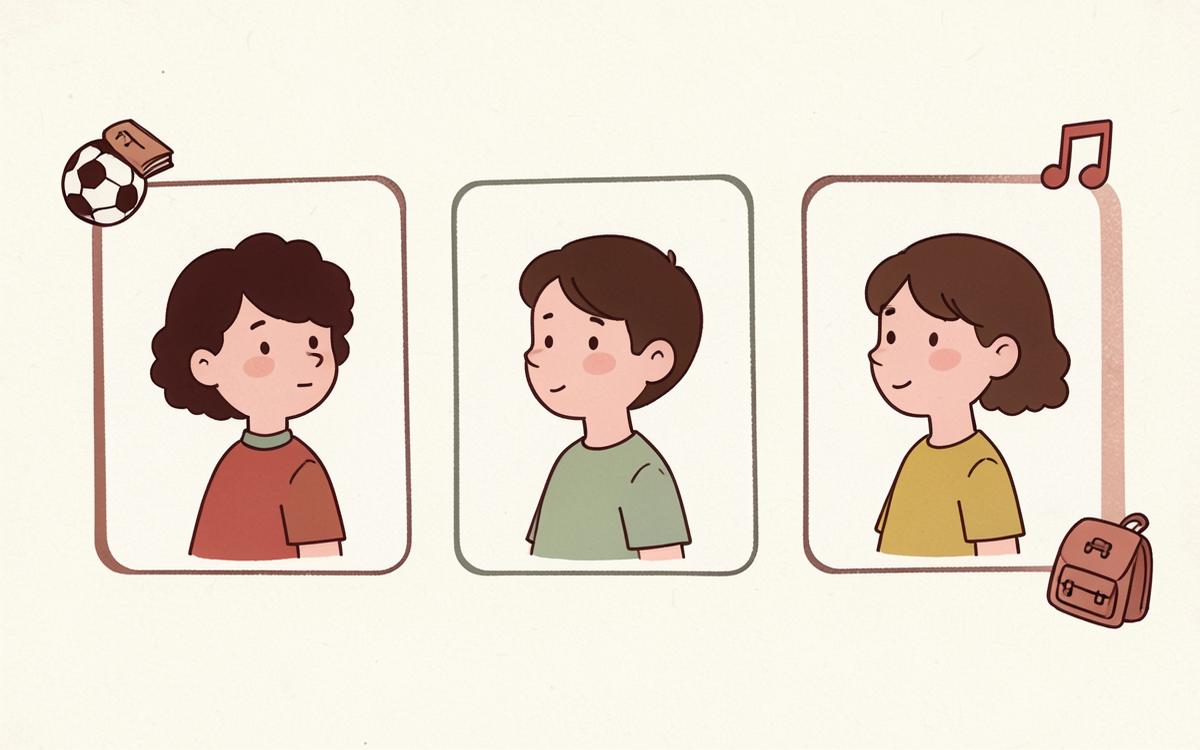
Sofia's page
- Gifted Resource (3) — Invention project due Fri Aug 29 · 88%
- Band (2) — Fall concert call time 6:15pm
- Soccer (4) — Away game Thursday, bus leaves 3:40pm
- Unassigned (1) — School-wide picture day reminder
You never typed any of that. The AI read the email and filled it in.
What you get
Grouped by class and activity
Filter by subject, team or club so you can answer one question without reading twenty items.
Summary first, email underneath
Every item shows a plain-English summary; expand it to read the original message that produced it.
Open items stay open
Permission slips, payments and supplies stay visible until you mark them done.
Who teaches what
Teachers, coaches and their subjects are listed on the page, so you always know who to reply to.
Kids get their own login
Create a username and password for each child. They sign in on the same page and land on a dashboard with only their schools, teachers, classes and action items.
One child still gets a clean, organized page
No multi-kid complexity required. A single kid's page shows school, teachers, classes and everything due in one place.
How you use it
- 1
Pick a kid from the Kids tab.
- 2
Filter by class, club or team.
- 3
Tap an item for the summary, then the email if you want detail.